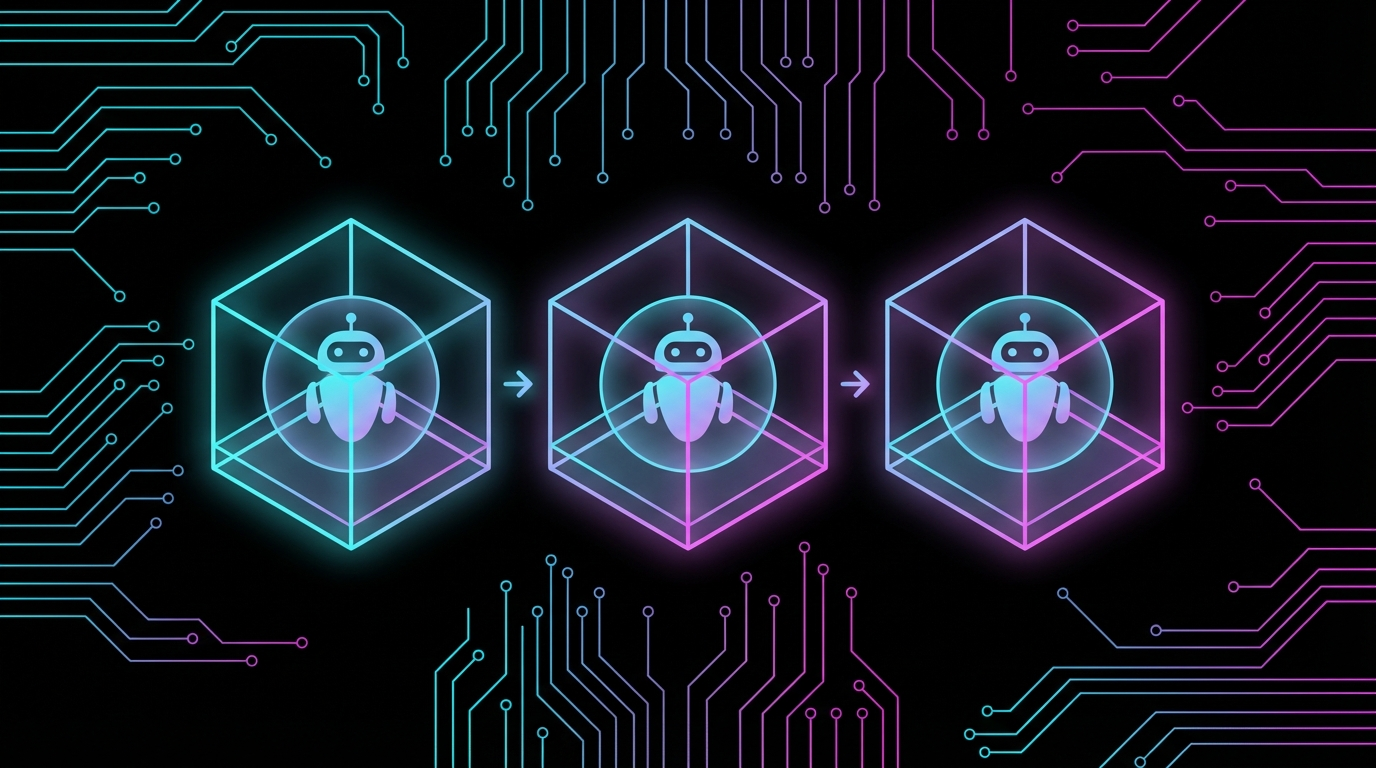
Safe Testing for AI Bot Sandboxes: A Phased Approach
When your AI bot can send texts and access real files, how do you test the sandbox without blowing up your actual data? A four-phase approach.
When your AI bot can send texts and access real files, how do you test the sandbox without blowing up your actual data? A four-phase approach.
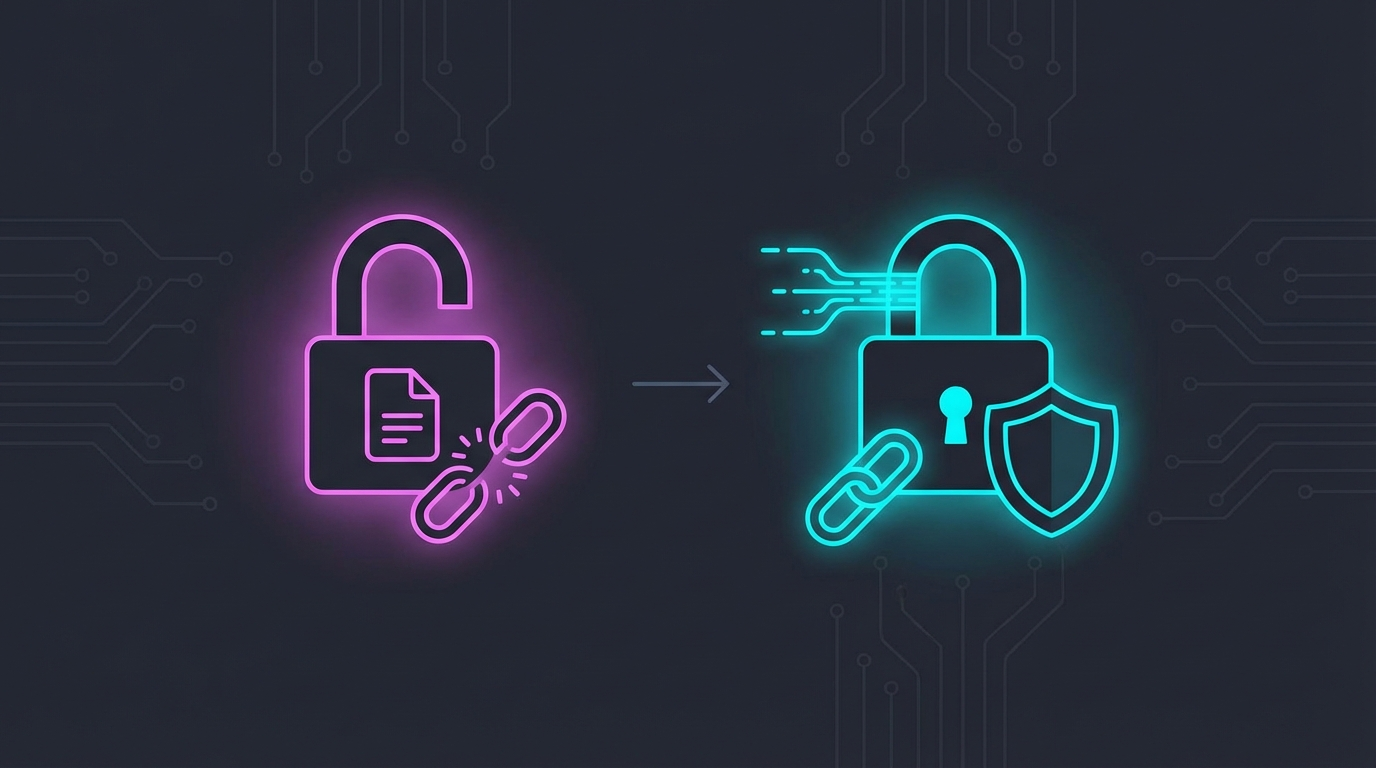
Your API keys don’t belong in shell config files. Here’s a wrapper pattern that fetches secrets from Keychain only when needed.

A deep dive into 22+ vulnerabilities found during a comprehensive security audit of AI automation frameworks.

Designing a robust 3-zone security architecture for AI agents: Policy Engine, Sandbox, and Sanitizer.
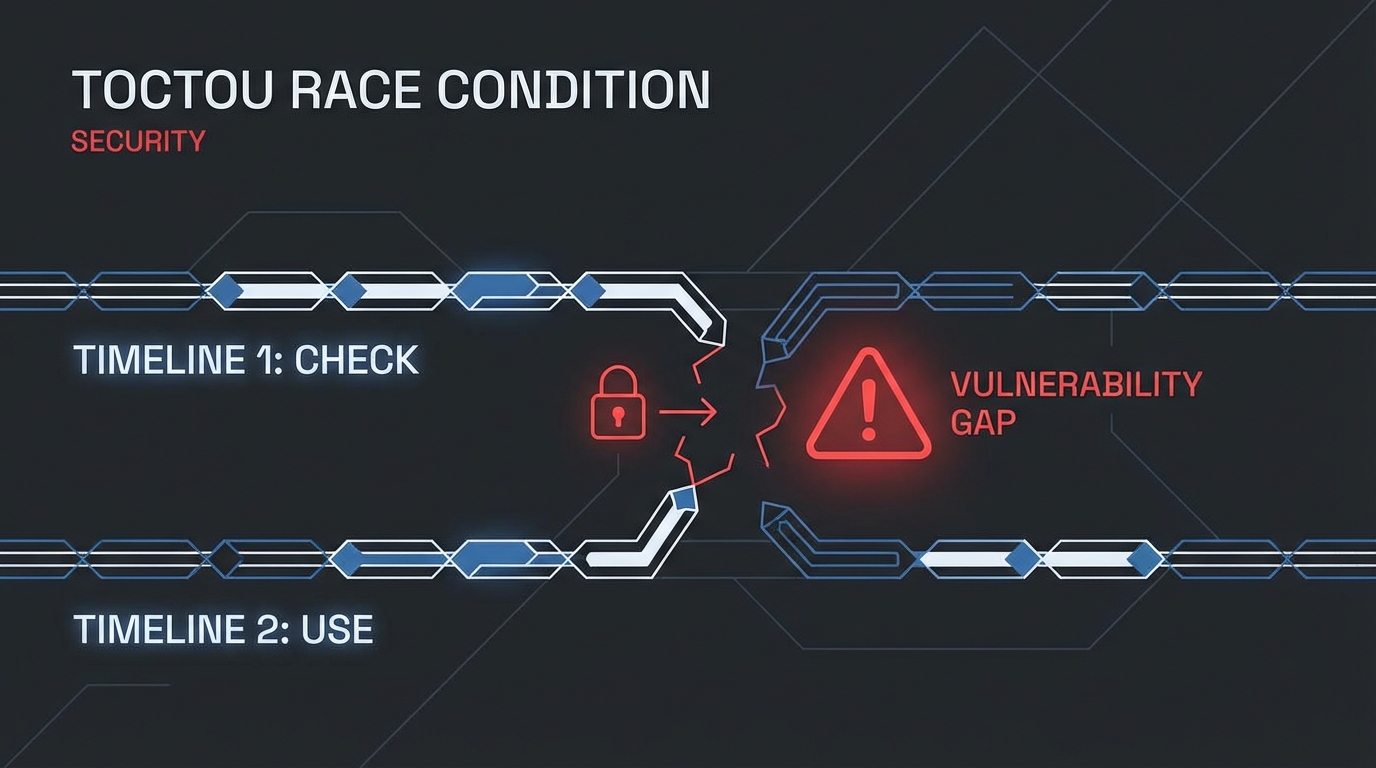
How a subtle race condition in file-based rate limiting allowed unlimited API calls, and the atomic operations that fixed it.
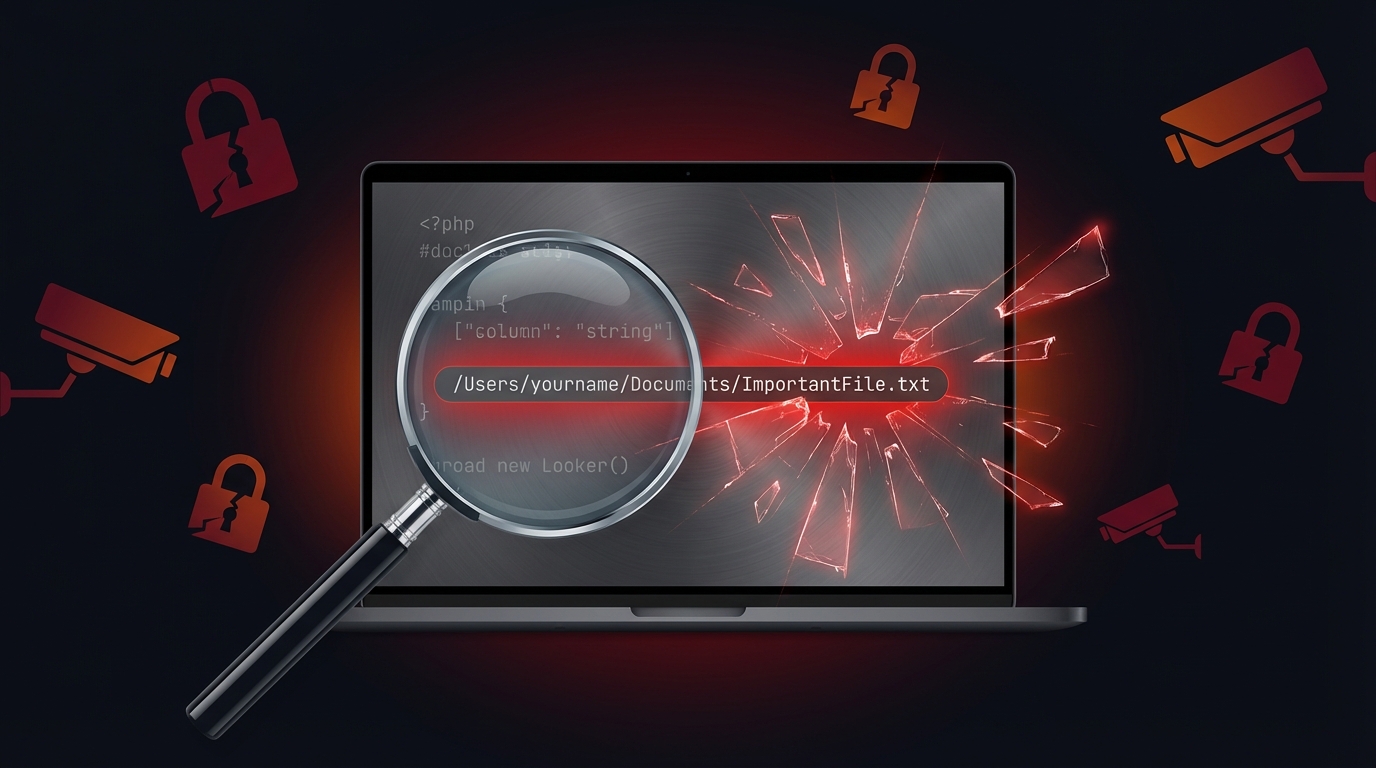
That helpful debugging blog post? It contains /Users/yourname/ - your real username, home directory structure, and possibly more than you intended to share.
A systematic, phased approach to testing Docker sandbox configurations without risking the host machine - especially important for personal automation bots with access to real data.
User setting up moltbot on Mac Mini with Docker sandbox. Concerned about:
# Use DUMMY mounts, not real data
mkdir -p /tmp/test-sandbox/{downloads,obsidian}
docker run --rm -it \
  --read-only \
  --cpus="2.0" \
  --memory="2g" \
  -v /tmp/test-sandbox/downloads:/mnt/downloads:rw \
  moltbot-sandbox:custom /bin/sh
# Stress test that stays inside container limits
docker run --rm -it --cpus="2" --memory="2g" container sh -c "
  stress-ng --cpu 8 --timeout 10s 2>/dev/null || echo 'expected'
"
# Email: read-only commands only
himalaya list --folder INBOX -s 3  # Safe
# himalaya send ...  # NEVER in testing
cp -r ~/.signal-cli ~/.signal-cli.backupUser: “this machine is mac mini. and sandbox is running in docker. tell me plan to test this config but not blowing up my device”
Read more
Use a shell wrapper script that fetches API keys from macOS Keychain only when the command actually runs - never exposing secrets in shell environment globally.
Setting up OpenClaw/moltbot automation. User correctly pushed back on storing API keys in ~/.zshrc because:
“putting api in shell config seems not good”
#!/bin/bash
# ~/bin/openclaw - wrapper that fetches from Keychain on-demand

fetch_key() {
    local keychain_name="$1"
    security find-generic-password -a "$USER" -s "$keychain_name" -w 2>/dev/null || {
        echo "Error: $keychain_name not found in Keychain" >&2
        return 1
    }
}

export GEMINI_API_KEY=$(fetch_key "gemini-api-key") || exit 1
export OPENCLAW_GATEWAY_TOKEN=$(fetch_key "openclaw-gateway-token") || exit 1

exec /path/to/actual/command "$@"
| Approach | Key Exposure |
|---|---|
| ~/.zshrc export | Every shell, every process |
| Wrapper script | Only during command execution |