
The Invisible Modal: Debugging Playwright Clicks on Google UIs
The button was visible. The selector found it. The click did nothing. An invisible modal overlay was stealing every interaction.
The button was visible. The selector found it. The click did nothing. An invisible modal overlay was stealing every interaction.

I completed the browser auth flow. The script still said ‘Auth required.’ The shell wrapper and TypeScript implementation disagreed about what ‘authenticated’ meant.
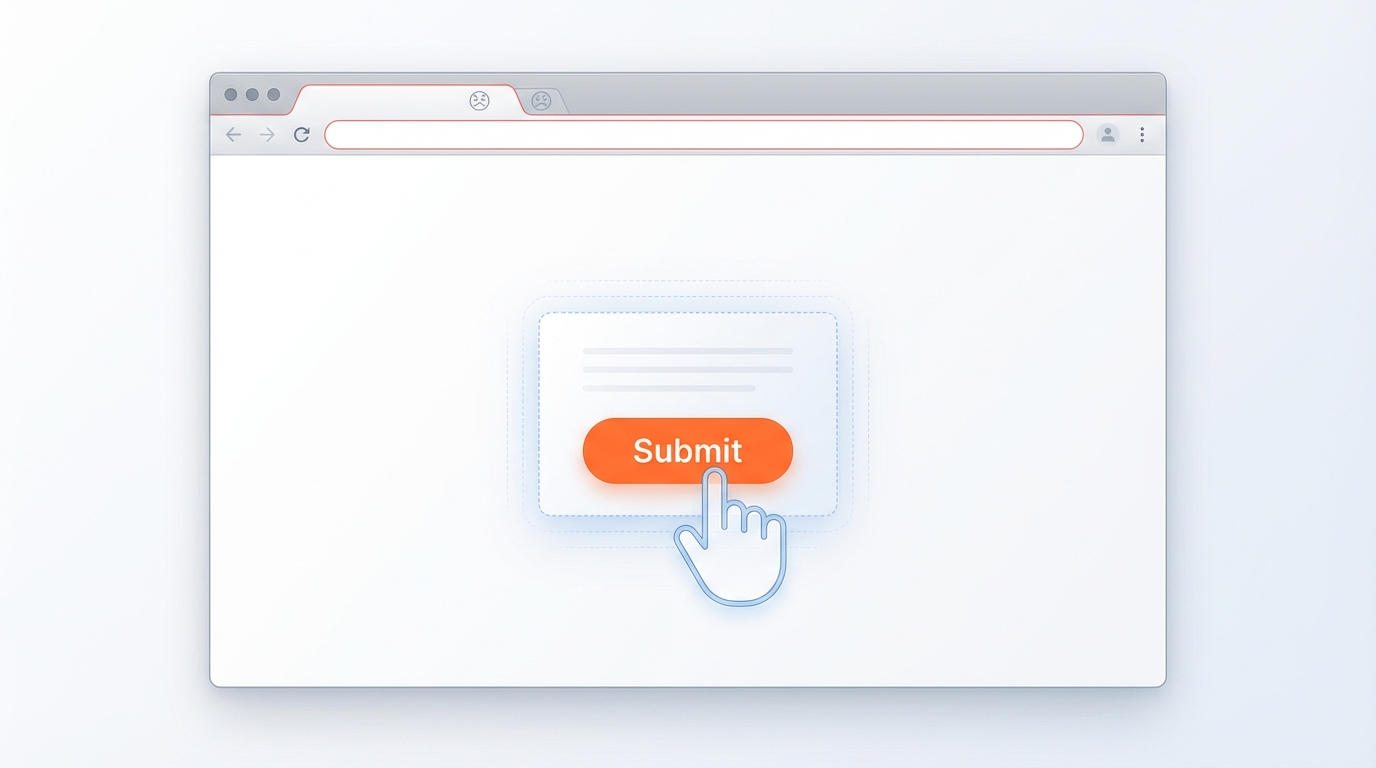
The button is visible. The selector finds it. But clicks fail silently. The culprit: an invisible overlay you never saw coming.
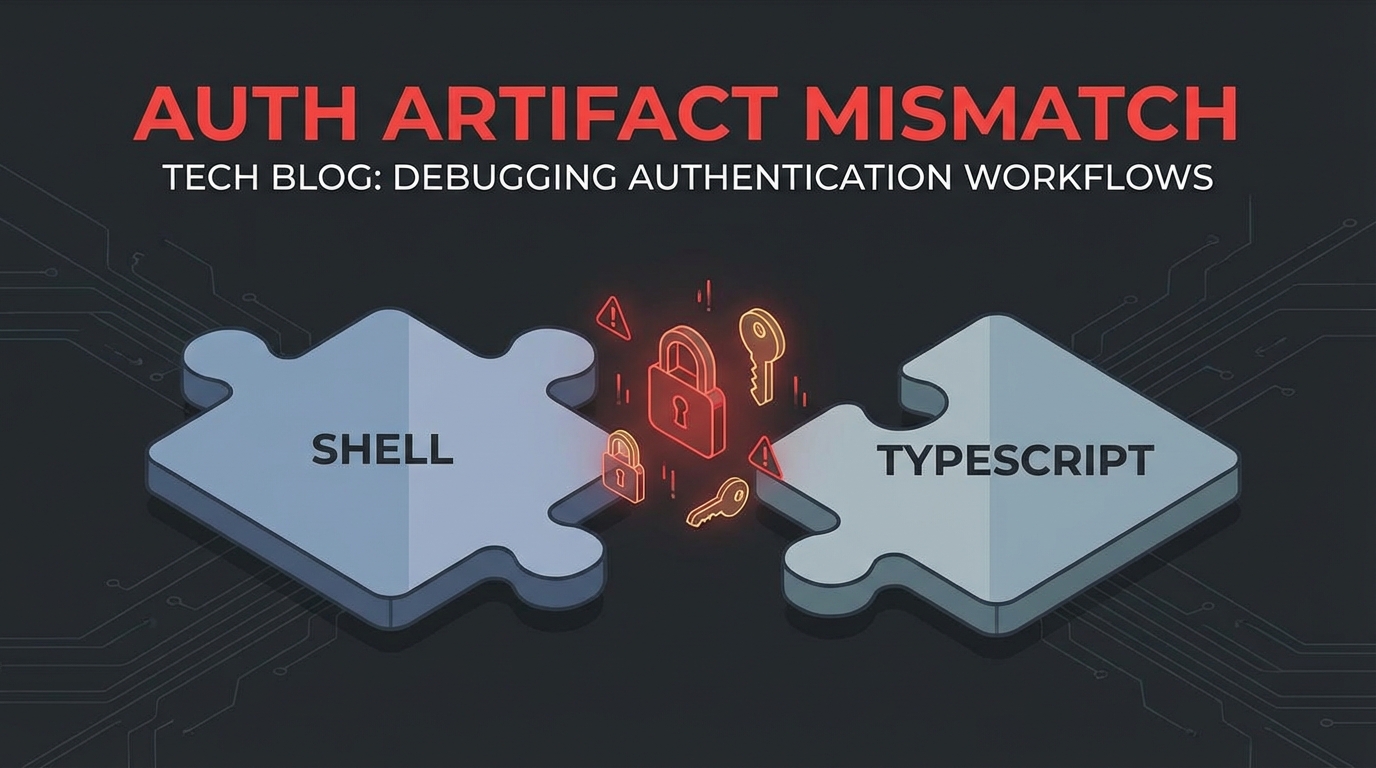
A shell wrapper checked for a JSON auth file. The TypeScript implementation saved a Chrome profile directory. The mismatch caused phantom ‘auth required’ errors.
NotebookLM upload skill failed with “Auth required” even after user completed browser auth flow.
Shell script (notebook.sh) checked for auth like this:
AUTH_FILE="$AUTH_DIR/notebook-lm-auth.json"
if [[ ! -f "$AUTH_FILE" ]]; then
    echo "Auth required..."
fi
But TypeScript upload script (upload.ts) actually used Chrome profile:
const AUTH_DIR = join(homedir(), ".config", "moltbot", "notebook-lm-chrome");
// ... launches browser with userDataDir
The auth flow saved a Chrome profile directory, not a JSON file. The shell script checked for the wrong artifact.
Fixed shell script to check for Chrome profile instead:
CHROME_PROFILE="$AUTH_DIR/notebook-lm-chrome/Default"
if [[ ! -d "$CHROME_PROFILE" ]]; then
    echo "Auth required..."
fi
When integrating scripts in different languages, verify the actual artifacts each component creates.
Common pattern: Shell wrapper → TypeScript implementation. The wrapper often makes assumptions about what the implementation does. Always trace the actual file/directory creation path.
# Before: "Why doesn't auth work?"
ls -la ~/.config/moltbot/notebook-lm*
# Reveals: notebook-lm-chrome/ exists, notebook-lm-auth.json does not
Playwright automation for NotebookLM upload failed with “Add source button not clickable”. Screenshots showed the button was visible but clicks didn’t register.
Screenshot analysis revealed: Google’s UI had an invisible modal overlay (search dialog, promo, or consent dialog) capturing all clicks before they reached the target button.
Key symptom: Element is visible, selector finds it, but click() fails silently or times out.
Created dismissOverlays() function to clear modals before interacting:
async function dismissOverlays(page: Page) {
  // Press Escape multiple times to dismiss any open dialogs
  for (let i = 0; i < 3; i++) {
    await page.keyboard.press("Escape");
    await page.waitForTimeout(200);
  }

  // Click outside any modal areas
  try {
    await page.click("body", { position: { x: 0, y: 0 }, force: true });
  } catch {
    // Ignore if click fails
  }
}

// Usage before any critical interaction
await dismissOverlays(page);
await page.click('button[aria-label="Add source"]');
Google products love modals. When automating Google UIs (Docs, Drive, NotebookLM, etc.), always:
dismissOverlays() as standard practiceforce: true as last resort (bypasses actionability checks)// Before any critical Google UI interaction:
await dismissOverlays(page);
await page.waitForTimeout(500); // Let animations settle
await page.click(selector, { timeout: 10000 });