
The Invisible Modal: Debugging Playwright Clicks on Google UIs
The button was visible. The selector found it. The click did nothing. An invisible modal overlay was stealing every interaction.
The button was visible. The selector found it. The click did nothing. An invisible modal overlay was stealing every interaction.
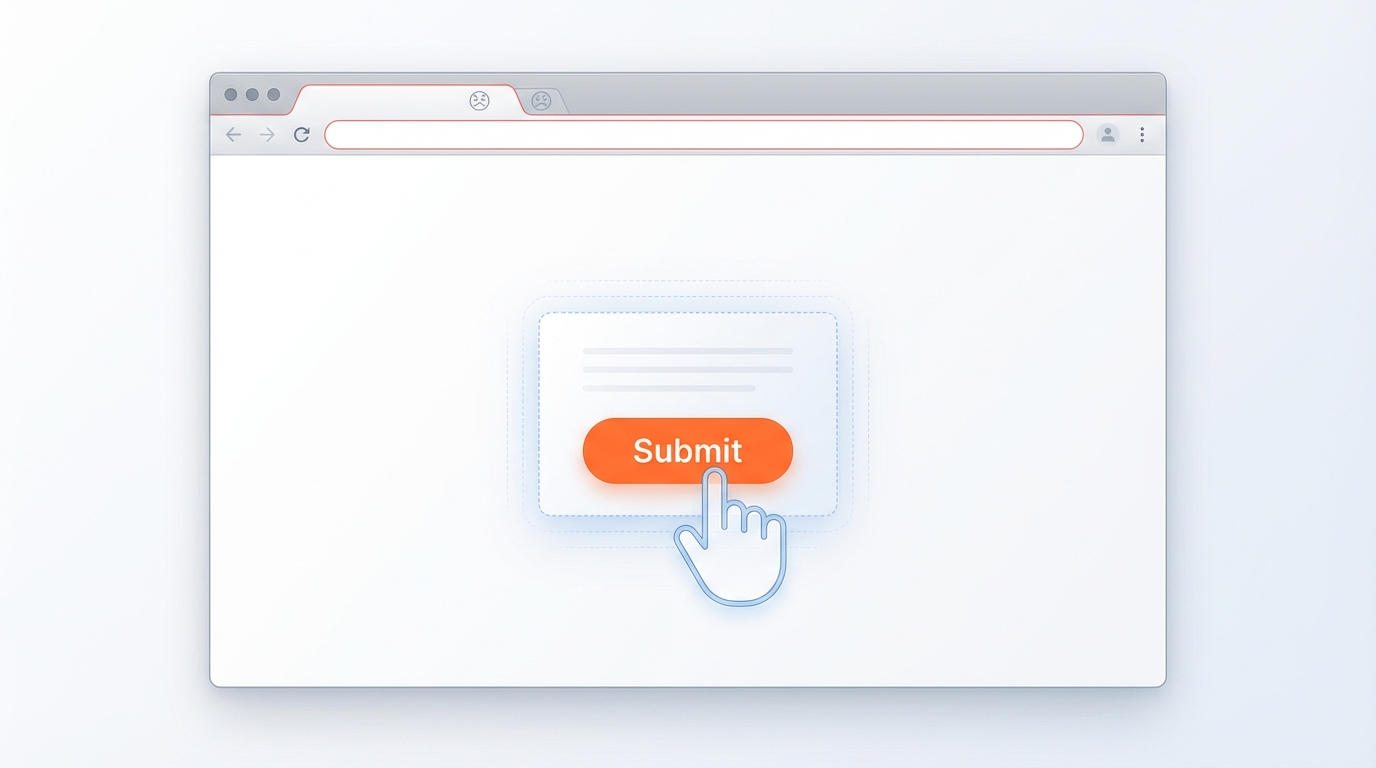
The button is visible. The selector finds it. But clicks fail silently. The culprit: an invisible overlay you never saw coming.
Playwright automation for NotebookLM upload failed with “Add source button not clickable”. Screenshots showed the button was visible but clicks didn’t register.
Screenshot analysis revealed: Google’s UI had an invisible modal overlay (search dialog, promo, or consent dialog) capturing all clicks before they reached the target button.
Key symptom: Element is visible, selector finds it, but click() fails silently or times out.
Created dismissOverlays() function to clear modals before interacting:
async function dismissOverlays(page: Page) {
  // Press Escape multiple times to dismiss any open dialogs
  for (let i = 0; i < 3; i++) {
    await page.keyboard.press("Escape");
    await page.waitForTimeout(200);
  }

  // Click outside any modal areas
  try {
    await page.click("body", { position: { x: 0, y: 0 }, force: true });
  } catch {
    // Ignore if click fails
  }
}

// Usage before any critical interaction
await dismissOverlays(page);
await page.click('button[aria-label="Add source"]');
Google products love modals. When automating Google UIs (Docs, Drive, NotebookLM, etc.), always:
dismissOverlays() as standard practiceforce: true as last resort (bypasses actionability checks)// Before any critical Google UI interaction:
await dismissOverlays(page);
await page.waitForTimeout(500); // Let animations settle
await page.click(selector, { timeout: 10000 });