
Renaming Projects Is Harder Than You Think
The gateway failed with ‘missing env var.’ I had the token—just under the old project name.
The gateway failed with ‘missing env var.’ I had the token—just under the old project name.

My Hugo blog showed zero posts. The content was there—just pointed at a user who doesn’t exist on this machine.

Learn how to systematically migrate legacy naming across a complex codebase and ensure they never return using automated enforcement.
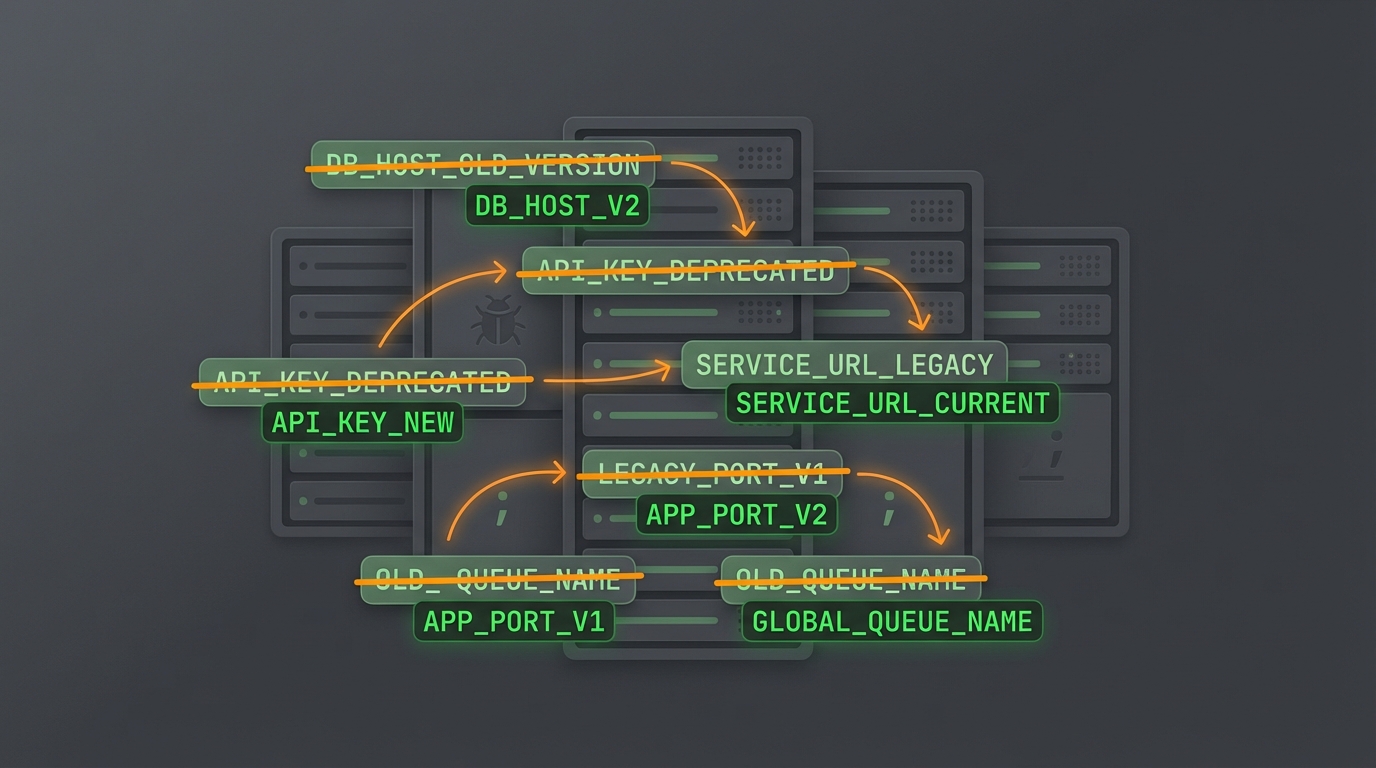
Renaming a project sounds trivial until you discover how many hidden artifacts still reference the old name. A case study in env var migration pain.
OpenClaw gateway failed to start with:
MissingEnvVarError: Missing env var "CLAWDBOT_GATEWAY_TOKEN"
referenced at config path: gateway.auth.token
User had the token set, but under wrong name.
Project was renamed: clawdbot → moltbot → openclaw
Config file (~/.clawdbot/moltbot.json) still referenced old env var:
"gateway": {
  "auth": {
    "token": "${CLAWDBOT_GATEWAY_TOKEN}"
  }
}
But the new convention uses OPENCLAW_* prefix.
${OPENCLAW_GATEWAY_TOKEN}- Deprecated legacy environment variables detected (ignored).
- Use OPENCLAW_* equivalents instead:
CLAWDBOT_GATEWAY_TOKEN -> OPENCLAW_GATEWAY_TOKEN
Renaming projects is deceptively hard. Things that need updating:
| Artifact | Often Missed |
|---|---|
| Env var prefixes | PROJECT_* → NEWNAME_* |
| Config paths | ~/.oldname/ → ~/.newname/ |
| LaunchAgent labels | com.oldname. → ai.newname. |
| Keychain entries | Account/service names |
| Symlinks | May point to old locations |
OpenClaw’s doctor command handles some of this via auto-migration, but env vars in user scripts/configs require manual updates.
Read moreHugo blog had a symlink content/posts pointing to /Users/deok/brainFucked/10-Blog/published - but the current user is koed, not deok.
The blog appeared set up but couldn’t find any content. The path was a remnant from a different machine/user setup.
Common gotcha when:
Symlinks with hardcoded absolute paths don’t survive machine migrations.
rm content/posts
ln -s /Users/koed/Dev/BrainFucked/10-Blog/published content/posts
Also had to create the published/ directory which didn’t exist.