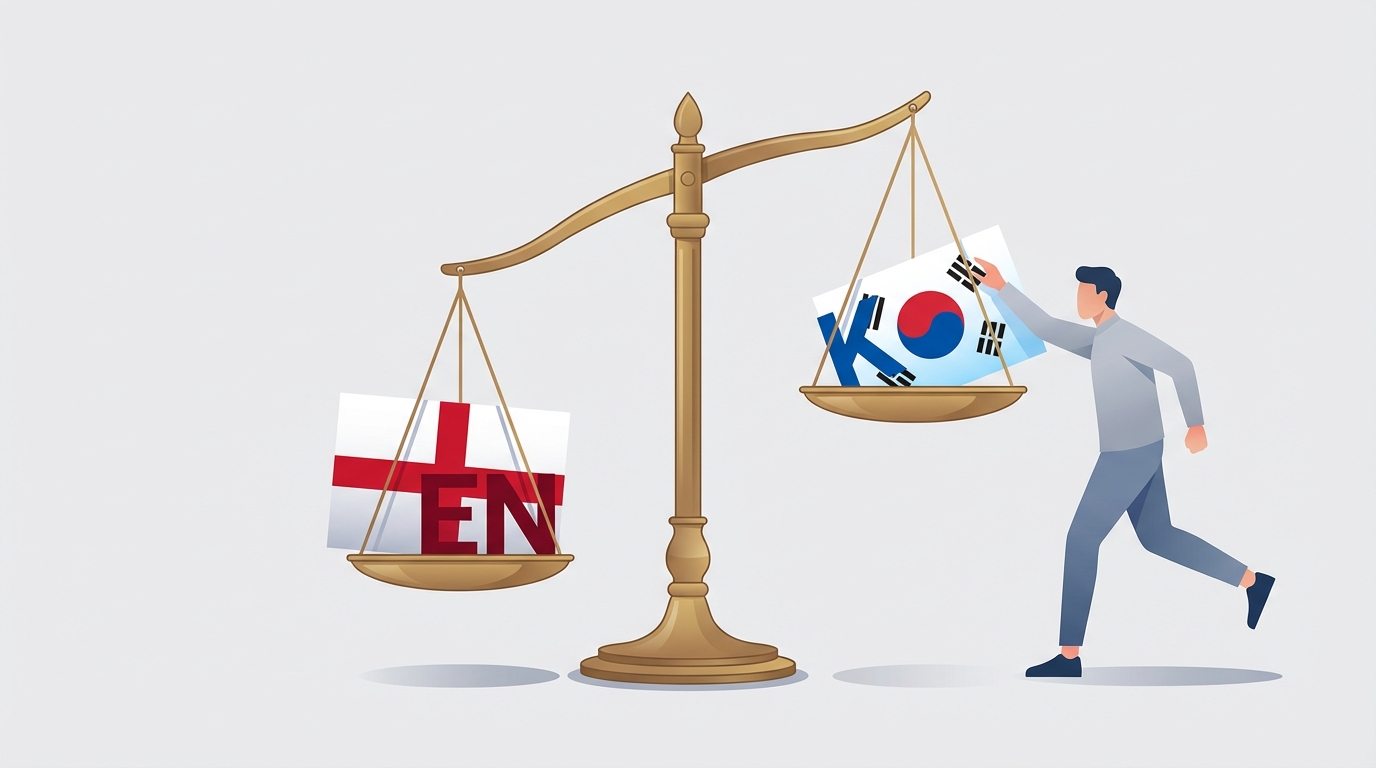
The Commit I Had to Make Twice: A Lesson in Bilingual Content Management
How a narrow glob pattern in a batch script led to missing Korean translations and what it taught me about i18n parity.
How a narrow glob pattern in a batch script led to missing Korean translations and what it taught me about i18n parity.
Learn how to systematically migrate legacy naming across a complex codebase and ensure they never return using automated enforcement.
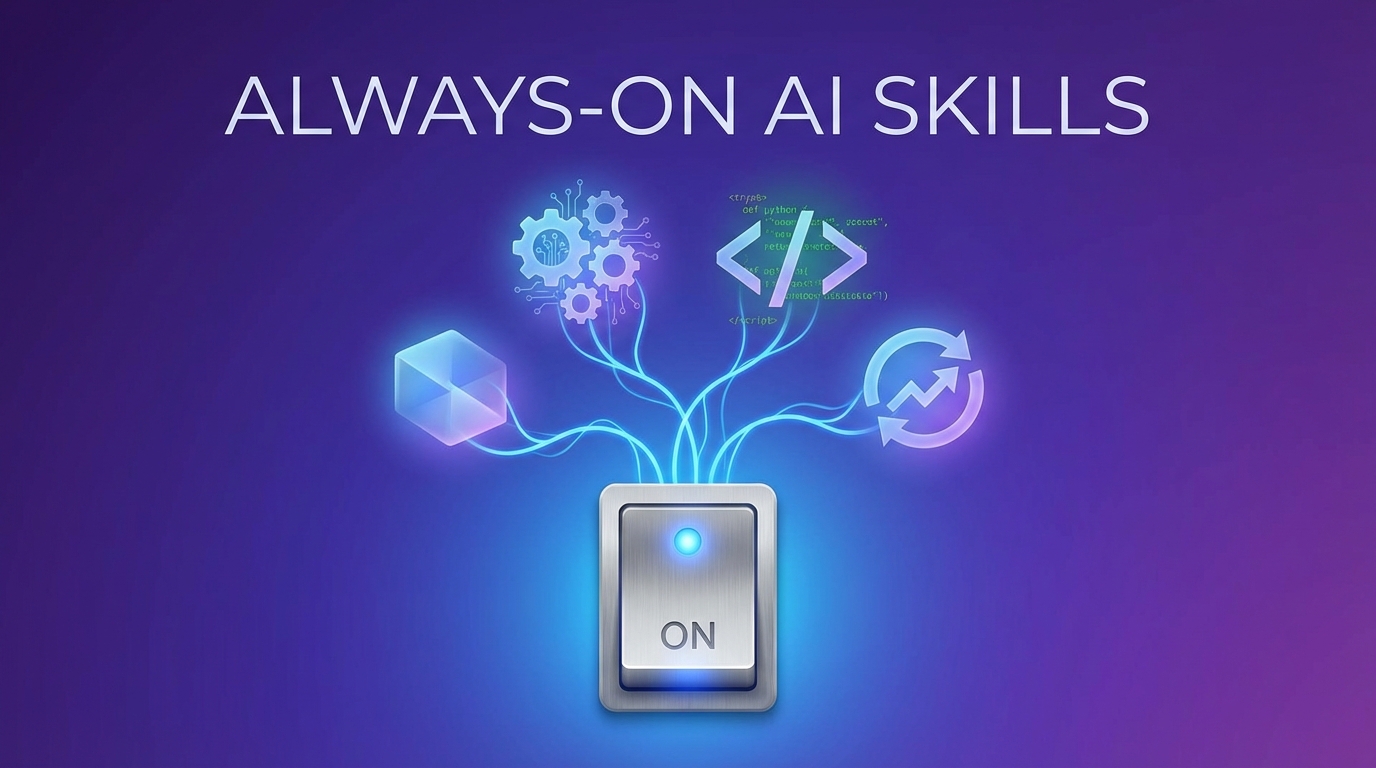
How to configure skills to auto-load for specific AI agents, turning one-off invocations into persistent behaviors.
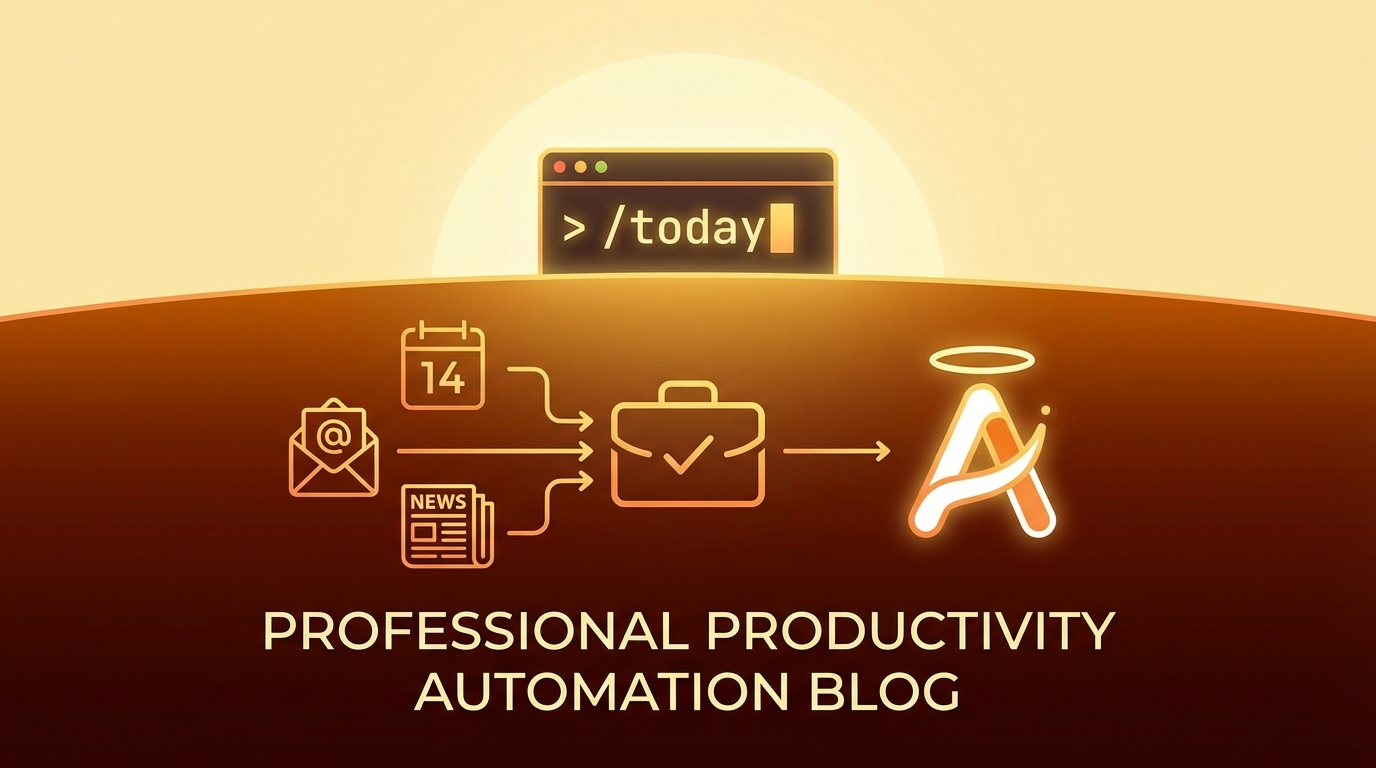
How to build a personal AI pipeline that aggregates your calendar, emails, and newsletters into a daily briefing - inspired by product coach Teresa Torres who built her own /today command with Claude.

A comprehensive security audit checklist for AI agent systems - covering credential handling, command execution, file access, privilege escalation, and more. Derived from real audits of production agent codebases.
Configure skills to auto-load for specific agents via oh-my-opencode.json.
Wanted content-seed harvesting to be always active, not requiring manual /content-seed invocation each session.
Solution: Add skills array to agent config.
// ~/.config/opencode/oh-my-opencode.json
{
  "agents": {
    "sisyphus": {
      "model": "...",
      "skills": ["content-seed"]  // ← auto-loads
    }
  }
}
Build a “Teresa Torres-style /today command” for personal productivity - a single command that aggregates calendar, emails, and newsletters into a daily briefing one-pager in Obsidian, then git pushes for multi-machine sync.
While testing moltbot’s morning-briefing skill, user referenced a maily.so article about Teresa Torres (product coach, non-developer) who built her own /today command with Claude Code. The article inspired reimagining the morning briefing as a complete personal AI pipeline.
📅 apple-calendar ──┐
📧 himalaya email ──┼──▶ 🌅 morning-briefing ──▶ 📝 Obsidian ──▶ git push
📰 newsletter-parser┘       (Korean one-pager)      (vault)       (sync)
Key insight from Teresa Torres article:
“When I have a task, do I need to be involved? Can Claude just do it? Or does it need my input?”
User: “yes but output is not slack. it’s one pager in obsidian vault. once you post morning brief you push to git so I can sync in any other machine.”
Read more
Invert the documentation burden: user thinks freely, AI silently captures.
While building a content seed capture system, user realized that manual capture commands (seed-idea, seed-prompt) still require context-switching. The insight: AI should be a passive harvester, not a tool to invoke.
“seed idea capture and naming should be automated. I am just doing ideation and feedback on agent work and you harvest all”
This pattern applies beyond content seeds:
The shift: from “user documents with AI help” to “AI documents while user works”
Playwright automation for NotebookLM upload failed with “Add source button not clickable”. Screenshots showed the button was visible but clicks didn’t register.
Screenshot analysis revealed: Google’s UI had an invisible modal overlay (search dialog, promo, or consent dialog) capturing all clicks before they reached the target button.
Key symptom: Element is visible, selector finds it, but click() fails silently or times out.
Created dismissOverlays() function to clear modals before interacting:
async function dismissOverlays(page: Page) {
  // Press Escape multiple times to dismiss any open dialogs
  for (let i = 0; i < 3; i++) {
    await page.keyboard.press("Escape");
    await page.waitForTimeout(200);
  }

  // Click outside any modal areas
  try {
    await page.click("body", { position: { x: 0, y: 0 }, force: true });
  } catch {
    // Ignore if click fails
  }
}

// Usage before any critical interaction
await dismissOverlays(page);
await page.click('button[aria-label="Add source"]');
Google products love modals. When automating Google UIs (Docs, Drive, NotebookLM, etc.), always:
dismissOverlays() as standard practiceforce: true as last resort (bypasses actionability checks)// Before any critical Google UI interaction:
await dismissOverlays(page);
await page.waitForTimeout(500); // Let animations settle
await page.click(selector, { timeout: 10000 });