What Happened
I was performing a routine batch update on my blog content. The task was simple: add cover image metadata to 29 existing posts. I wrote a quick script to iterate through the files, inject the necessary front matter, and commit the changes.
I ran the script, checked the diff, and everything looked great. I committed the changes with a confident “feat: add cover images to all posts” message.
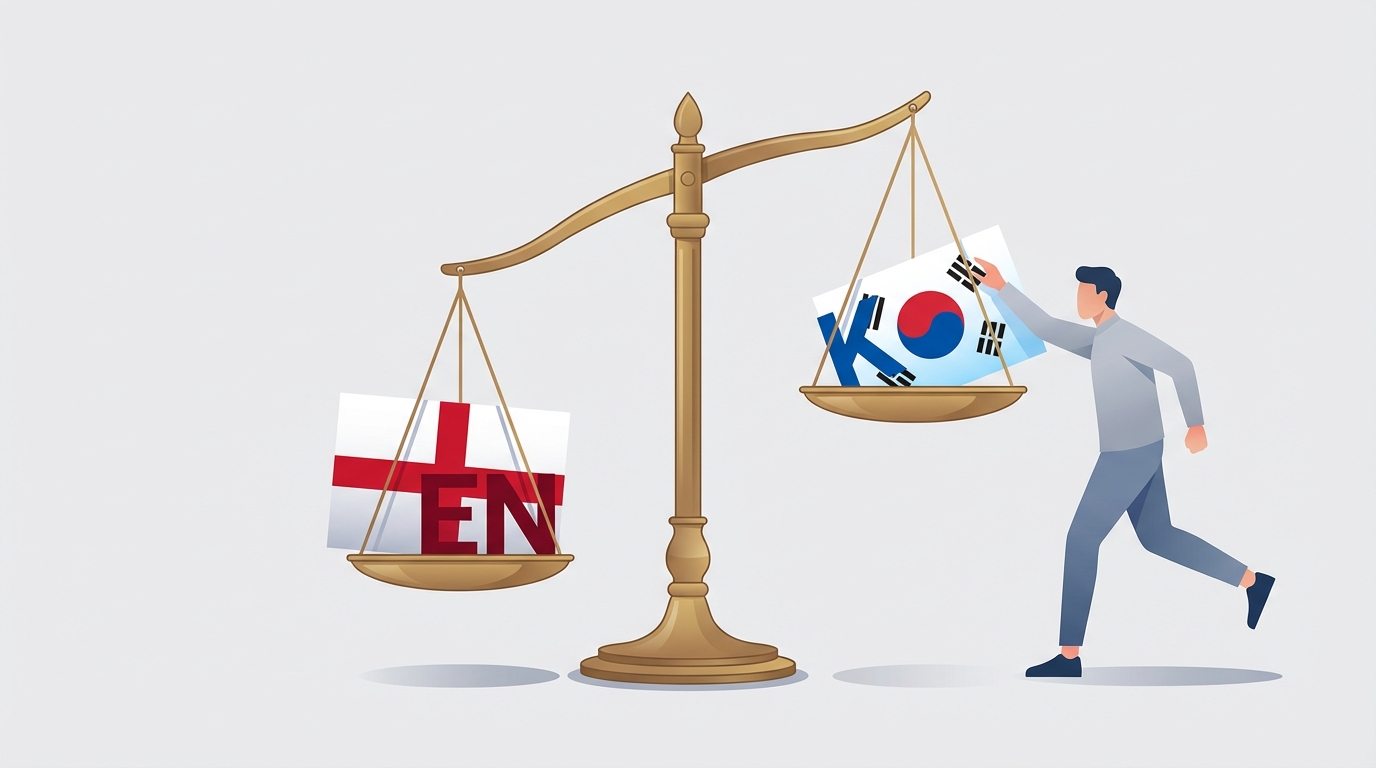
It wasn’t until I pushed the changes and looked at the live site that I realized something was wrong. The English posts had their beautiful new covers, but the Korean versions were still blank. I had completely missed half of my content.
Root Cause
The root cause was a combination of a narrow script pattern and a mental model that failed to account for the bilingual structure of the repository.
My script used a glob pattern that was too specific:
content/posts/en/**/*.md
Because I was thinking about “posts” as a single entity, I instinctively targeted the English directory first, intending to “get it working” and then move on. But in the flow of the batch operation, I forgot that the Korean translations lived in a parallel directory:
content/posts/ko/**/*.md
There was no validation step in my process to check for language parity. I assumed that if the English files were updated, the job was done.
The Fix
The immediate fix was to run the script again, this time targeting the Korean directory, and create a follow-up commit.
# The second run
python update_covers.py --dir content/posts/ko/
git add content/posts/ko/
git commit -m "docs: add missing Korean cover image metadata"
But the real fix was updating my workflow to ensure this doesn’t happen again.
Lessons Learned
- Bilingual content requires explicit parity checks. You cannot assume that an operation on one language automatically covers the others.
- Use inclusive glob patterns. When performing batch operations on i18n content, use patterns that capture all language directories:
content/posts/{en,ko}/**/*.md. - Validate counts. A simple sanity check like
ls content/posts/en | wc -lshould always equalls content/posts/ko | wc -l. If the numbers don’t match after a batch operation, something was missed. - Mental models must include i18n. If your project is bilingual, “all files” must always mean “all files in all languages.”
Prevention
To prevent this “double commit” scenario in the future, I’ve implemented a few safeguards:
- Pre-commit Hook: I’ve added a script that runs before every commit to check for file count parity between the
enandkodirectories. If there’s a mismatch, the commit is blocked. - CI Check: Our CI pipeline now includes a step that warns if an English post is added or updated without a corresponding change in the Korean directory.
- Checklist Update: My internal “Batch Operation Checklist” now has a mandatory item: “Did you target both EN and KO directories?”
Managing a bilingual blog is twice the work, but it shouldn’t be twice the mistakes. By automating parity checks, I can ensure that my Korean readers get the same high-quality experience as my English readers, without needing a second commit.