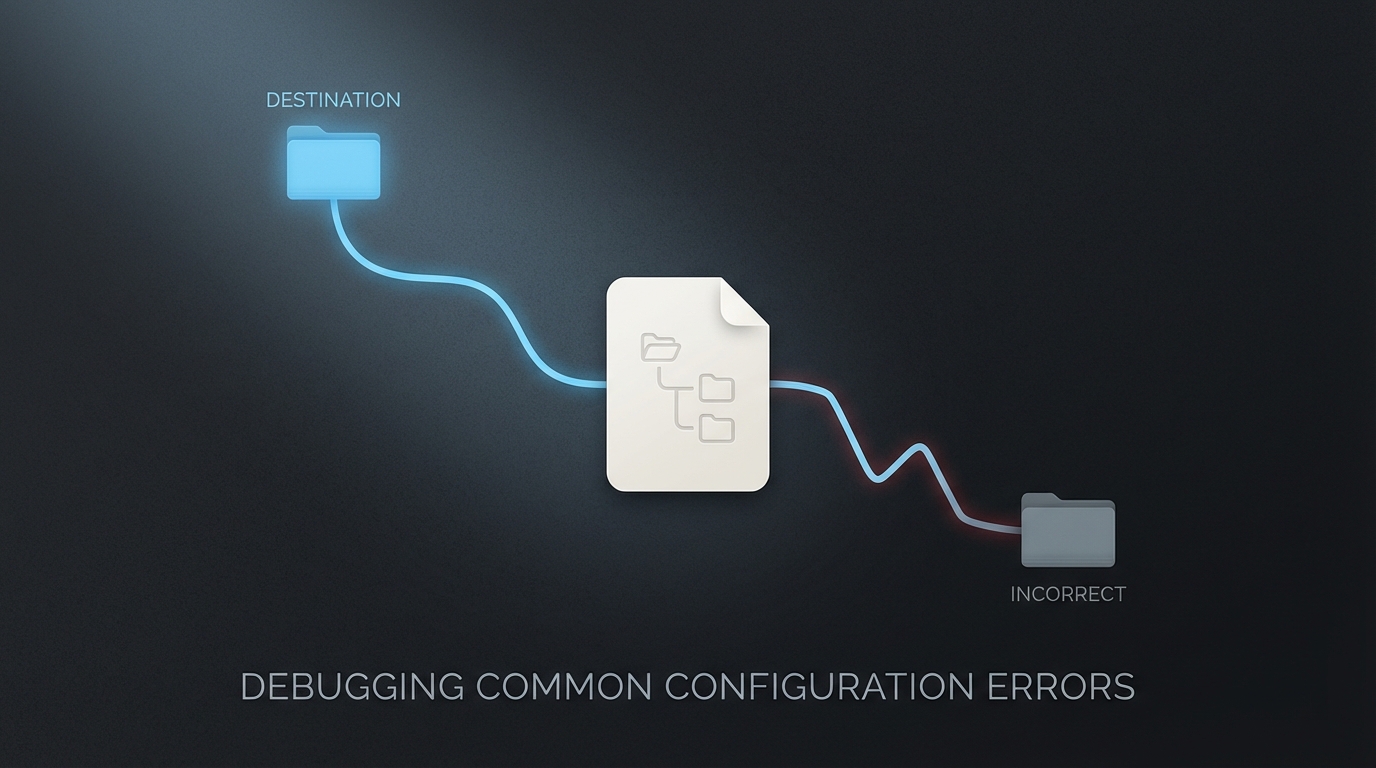
What Happened
I was trying to fine-tune the Kimi K2 model configuration for my OpenCode setup. I navigated to my openclaw-setup repository, found the configuration file at configs/opencode/opencode.json, and made several changes to the model parameters.
I saved the file, restarted the application, and… nothing. The behavior remained exactly the same. I tried more drastic changes, even intentionally breaking the JSON syntax to see if it would throw an error. Still nothing. The application continued to run as if I hadn’t touched a single line.
Root Cause
The root cause was a classic case of “editing the wrong file.”
In many modern development workflows, we keep our configuration files in a dedicated “dotfiles” or “setup” repository. This is great for version control and sharing setups across machines. However, most applications don’t read their configuration directly from your random ~/Dev/my-setup/ folder.
OpenCode, like many other tools, follows the XDG Base Directory Specification. It looks for its active configuration in:
~/.config/opencode/opencode.json
The file I was editing in ~/Dev/openclaw-setup/configs/opencode/opencode.json was just a template or a reference copy stored in my setup repo. Unless I had explicitly symlinked that file to the ~/.config/ directory, the application had no way of knowing it existed.
The Fix
The fix was simple: I needed to edit the file that the application actually reads.
# Instead of:
# vim ~/Dev/openclaw-setup/configs/opencode/opencode.json

# I should have been editing:
vim ~/.config/opencode/opencode.json
To make my setup repo actually useful, I used a symlink so that changes in the repo are automatically reflected in the active config:
ln -sf ~/Dev/openclaw-setup/configs/opencode/opencode.json ~/.config/opencode/opencode.json
Lessons Learned
- Verify the active config path. Before spending an hour debugging why a config change isn’t working, verify exactly where the application is reading its configuration from. Many tools have a
--verboseflag or ainfocommand that displays this path. - Templates vs. Active Configs. Distinguish between files meant for version control (templates) and files meant for runtime (active configs).
- Standard Locations. On macOS and Linux, always check
~/.config/or~/Library/Application Support/first. - Symlinks are your friend. If you want to manage your configs in a Git repo, use symlinks to connect them to the standard locations. This ensures your “source of truth” is also the “active source.”
Prevention
To prevent this confusion in the future:
- Add Comments: I’ve added a comment at the top of my template files:
// TEMPLATE ONLY - Copy to ~/.config/opencode/opencode.json or symlink it. - Automation: Use a tool like
stowor a simple setup script to manage symlinks automatically. - Sanity Check: When a config change doesn’t work, the first question should always be: “Am I editing the right file?”
It’s a small mistake that can lead to massive frustration. Don’t assume that just because a file is named config.json and is in your project folder, it’s the one being used.