The Problem
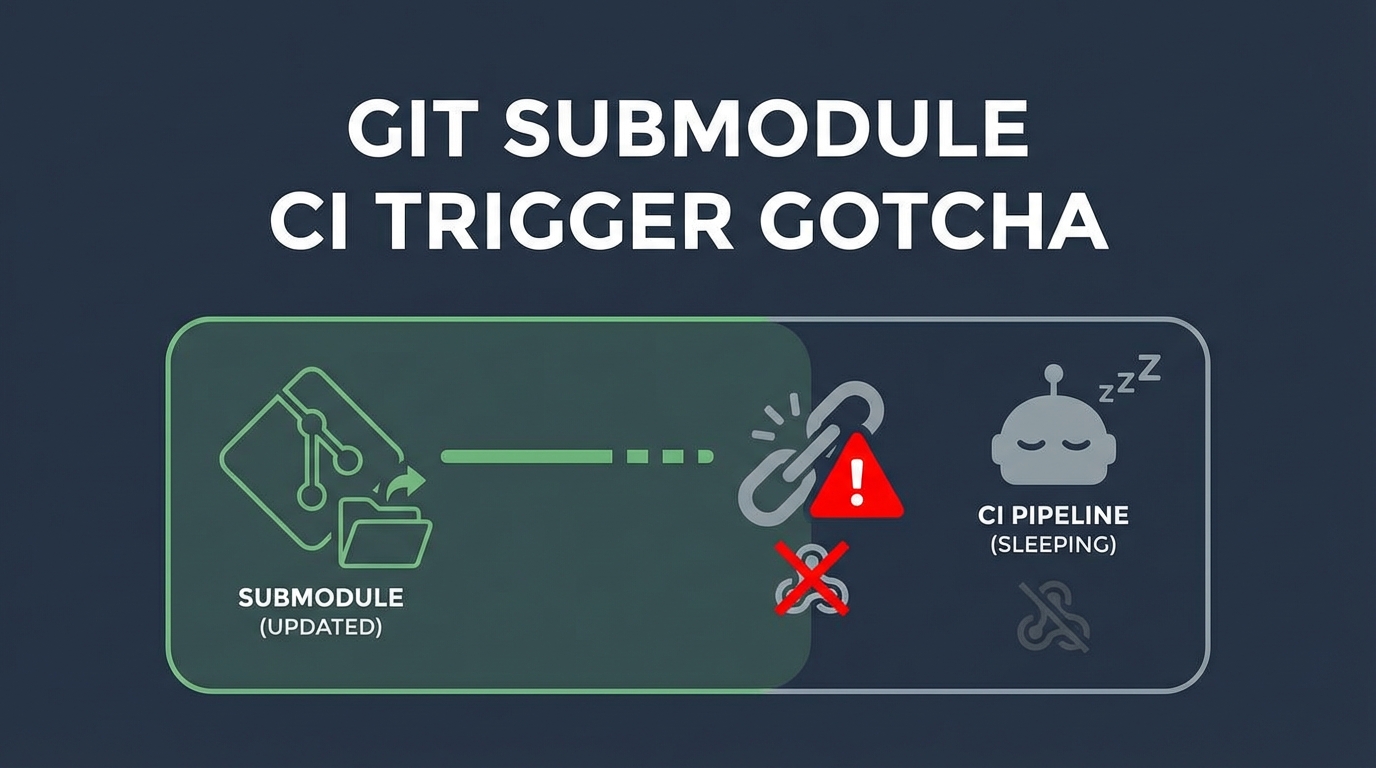
Content updates pushed to the blog-content repository weren’t triggering builds. The site stayed stale. New posts existed in the repo but never appeared on the live site.
flowchart LR
    A[Push to Content Repo] --> B[Content Repo Updated]
    B --> C{Trigger Build?}
    C -->|"Expected"| D[Cloudflare Builds]
    C -->|"Actual"| E[Nothing Happens]

    F[Hosting Repo] --> G[Cloudflare Webhook]
    B -.->|"No connection"| G
The Architecture
The setup used git submodules:
personal-blog-hosting/       <- Cloudflare watches this
├── hugo.toml
├── themes/
└── content/                 <- Submodule pointing to content repo
    └── (submodule reference)
flowchart TD
    subgraph "Hosting Repo"
        A[hugo.toml]
        B[themes/]
        C["content/ (submodule pointer)"]
    end

    subgraph "Content Repo"
        D[posts/]
        E[images/]
    end

    C -->|"Points to commit"| D

    F[Cloudflare Webhook] --> A
    F -.->|"Doesn't watch"| D
Why It Doesn’t Work
A git submodule is a pointer to a specific commit in another repository. When you update the content repo:
- Content repo gets new commits
- Content repo’s remote is updated
- But the hosting repo still points to the old commit
- Hosting repo hasn’t changed → no webhook trigger
sequenceDiagram
    participant Content as Content Repo
    participant Hosting as Hosting Repo
    participant CF as Cloudflare

    Content->>Content: New post committed
    Content->>Content: Push to remote
    Note over Content: Content repo updated

    Note over Hosting: Still points to old commit
    Note over CF: No trigger received

    CF->>CF: Watches hosting repo
    CF->>CF: No changes detected
    CF->>CF: No build
The Resolution
Manual Trigger
After pushing content changes, update the submodule reference:
# In the hosting repo
cd personal-blog-hosting

# Update submodule to latest
git submodule update --remote content

# Commit the new pointer
git add content
git commit -m "chore: update content submodule"

# Push - THIS triggers Cloudflare
git push
Force Trigger (Quick & Dirty)
If you just need to trigger a build without real changes:
git commit --allow-empty -m "chore: trigger rebuild"
git push
Automated Trigger (GitHub Actions)
Set up automation in the content repo to update the hosting repo:
# .github/workflows/update-hosting.yml (in content repo)
name: Update Hosting Repo

on:
  push:
    branches: [main]

jobs:
  update-submodule:
    runs-on: ubuntu-latest
    steps:
      - uses: actions/checkout@v4
        with:
          repository: user/personal-blog-hosting
          token: ${{ secrets.HOSTING_REPO_TOKEN }}
          submodules: true

      - name: Update submodule
        run: |
          git submodule update --remote content
          git config user.name "GitHub Actions"
          git config user.email "actions@github.com"
          git add content
          git diff --staged --quiet || git commit -m "chore: update content submodule"
          git push
flowchart TD
    A[Push to Content Repo] --> B[GitHub Action Runs]
    B --> C[Checkout Hosting Repo]
    C --> D[Update Submodule Reference]
    D --> E[Commit & Push to Hosting]
    E --> F[Cloudflare Webhook Triggered]
    F --> G[Site Rebuilt]
Design Considerations
When Submodules Work
- Different release cycles for content vs. infrastructure
- Multiple sites sharing the same content
- Explicit control over which content version is deployed
When Submodules Cause Pain
- Frequent content updates expecting immediate deployment
- Single-person projects (extra steps add friction)
- CI/CD that watches only parent repo
Alternatives
| Approach | Trigger Behavior | Complexity |
|---|---|---|
| Submodule | Manual or automated | Medium |
| Monorepo | Automatic on any push | Low |
| Separate repos + API | Webhook from content repo | High |
Key Takeaways
- Submodule = pointer, not content - CI sees a hash, not file changes
- Webhooks watch repos, not submodules - Changes in submodule repo don’t trigger parent
- Explicit update required - Must commit new submodule reference to trigger
- Automate or accept manual - Either add GitHub Action or document the workflow
- Consider your deployment frequency - High-frequency updates may not suit submodule architecture
The submodule does exactly what it’s designed to do: isolate changes. That’s a feature - until it’s your deployment bottleneck.