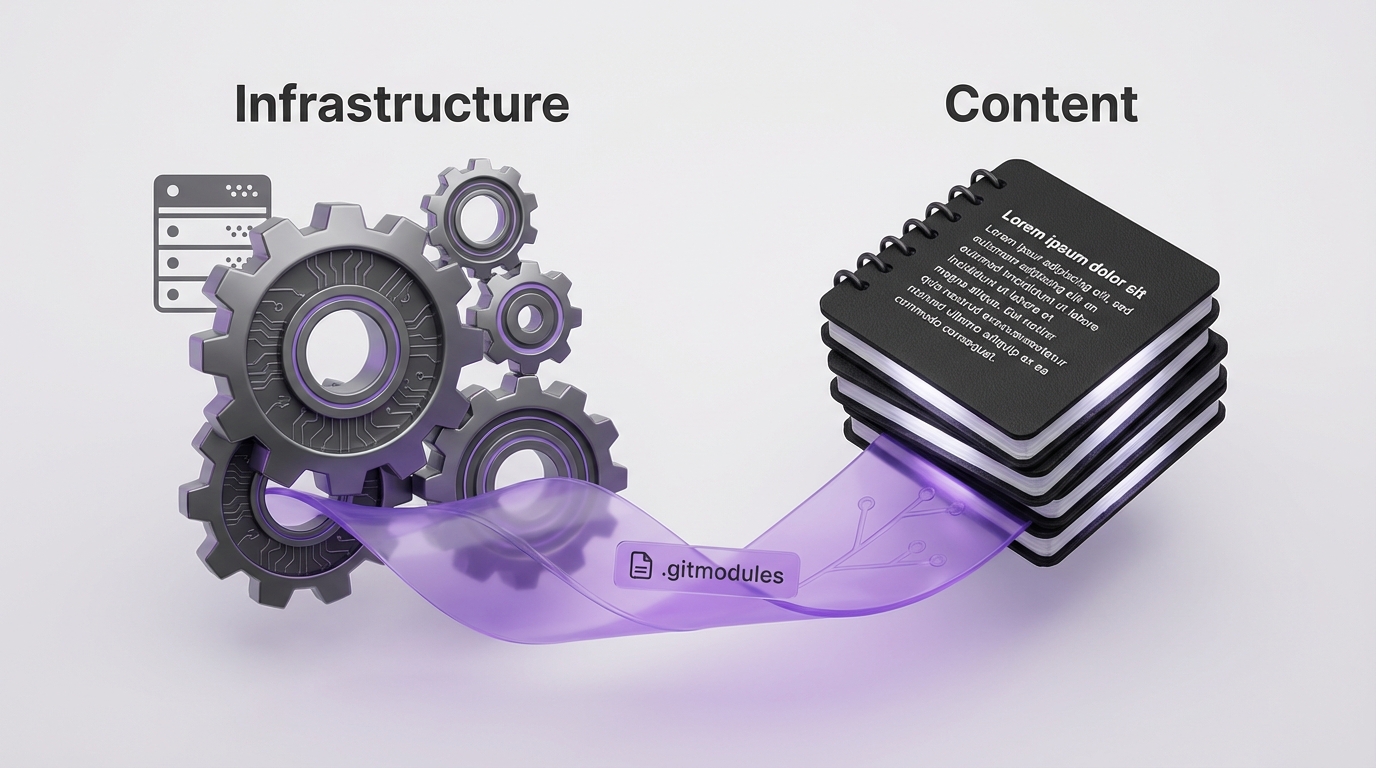
The Monorepo Problem
Original setup: everything in one repo.
personal-blog/
├── hugo.toml
├── themes/PaperMod/
├── layouts/
├── static/
└── content/
    ├── posts/
    ├── seeds/
    └── drafts/
Problems emerged:
- Obsidian synced Hugo config files it didn’t need
- Content changes required pushing the infrastructure repo
- Git history mixed theme updates with blog posts
- Different concerns, same commit log
The Two-Repo Architecture
flowchart TB
    subgraph HOSTING["personal-blog-hosting/"]
        H1["hugo.toml"]
        H2["themes/PaperMod"]
        H3["layouts/"]
        H4["static/"]
        H5["content/ → submodule"]
    end

    subgraph CONTENT["blog-content/"]
        C1["posts/"]
        C2["seeds/"]
        C3["drafts/"]
        C4["skills/"]
    end

    H5 -->|"git submodule"| CONTENT

    CONTENT -->|"Obsidian vault"| OBS["Obsidian"]
    HOSTING -->|"Cloudflare Pages"| CF["Cloudflare"]

    style CONTENT fill:#22c55e,color:#000
    style HOSTING fill:#3b82f6,color:#fff
Two repositories:
- personal-blog-hosting: Hugo infrastructure, theme, layouts
- blog-content: Posts, seeds, drafts - also an Obsidian vault
The content repo is linked as a git submodule.
Why This Separation Matters
For Obsidian Users
Your Obsidian vault IS your content repo:
- Write in Obsidian → auto-synced
- No Hugo configs polluting your vault
- Clean file list, just content
For Deployment
Cloudflare Pages builds from the hosting repo:
- Pulls submodule automatically
- Content updates trigger rebuilds
- Infrastructure changes are separate
For Git History
# Content repo history
feat: add post about AI agents
fix: typo in kubernetes post
feat: new seed from debugging session

# Hosting repo history
chore: update PaperMod theme
feat: add custom shortcode for diagrams
fix: mobile nav breakpoint
Clean, focused histories for each concern.
Setup Guide
Step 1: Create Content Repo
# Create new repo for content
mkdir blog-content
cd blog-content
git init

# Move content from monorepo
mv ../personal-blog/content/posts .
mv ../personal-blog/content/seeds .
mv ../personal-blog/content/drafts .

git add .
git commit -m "initial: migrate content from monorepo"
git remote add origin git@github.com:user/blog-content.git
git push -u origin main
Step 2: Add as Submodule
# In hosting repo
cd personal-blog-hosting
rm -rf content  # Remove old content directory

# Add content repo as submodule
git submodule add git@github.com:user/blog-content.git content
git commit -m "feat: add content as submodule"
Step 3: Configure Obsidian
Open blog-content/ as your Obsidian vault:
- Posts are directly editable
- No Hugo configs visible
- Standard Obsidian workflow
Step 4: Configure Cloudflare Pages
In Cloudflare Pages settings:
- Repository:
personal-blog-hosting - Build command:
hugo --gc --minify - Enable “Include submodules” in build settings
Daily Workflow
Writing Content
# In Obsidian (or directly)
cd blog-content
# Write your post...
git add posts/new-post.md
git commit -m "feat: add new post"
git push
Updating Infrastructure
cd personal-blog-hosting
# Make theme/layout changes...
git add .
git commit -m "feat: update theme"
git push
Updating Submodule Reference
When content repo has new commits:
cd personal-blog-hosting
git submodule update --remote content
git add content
git commit -m "chore: update content submodule"
git push
Gotchas
Cloudflare Submodule Builds
Ensure “Include submodules” is enabled in build settings. Without it, the content directory will be empty.
Local Development
After cloning the hosting repo:
git clone --recurse-submodules git@github.com:user/personal-blog-hosting.git
# Or if already cloned:
git submodule update --init --recursive
Obsidian Git Plugin
If using Obsidian Git plugin, point it at the content repo only. Don’t try to manage the hosting repo from Obsidian.
Alternative: Symlinks
If submodules feel too complex, use symlinks:
# In hosting repo
ln -s ../blog-content content
Downside: Cloudflare can’t follow symlinks. You’d need a build script to copy content.
Key Takeaways
- Separate concerns, separate repos - Infrastructure and content have different change patterns
- Obsidian vault = content repo - Clean writing environment
- Submodules link them - Hosting repo references content repo
- Deploy from hosting - Cloudflare pulls both during build
- Clean git histories - Each repo tells its own story
The initial setup takes an hour. The ongoing clarity is worth it, especially if you’re using Obsidian as your writing environment.
This architecture emerged from the frustration of seeing hugo.toml in my Obsidian file list. Separation made both the writing and development workflows cleaner.