The Promise of Parallel Execution
You have 7 tasks to complete. Running them sequentially takes 7 time units. But what if tasks 2, 3, and 4 could run simultaneously? Suddenly you’re down to 4 time units - a 43% speedup.
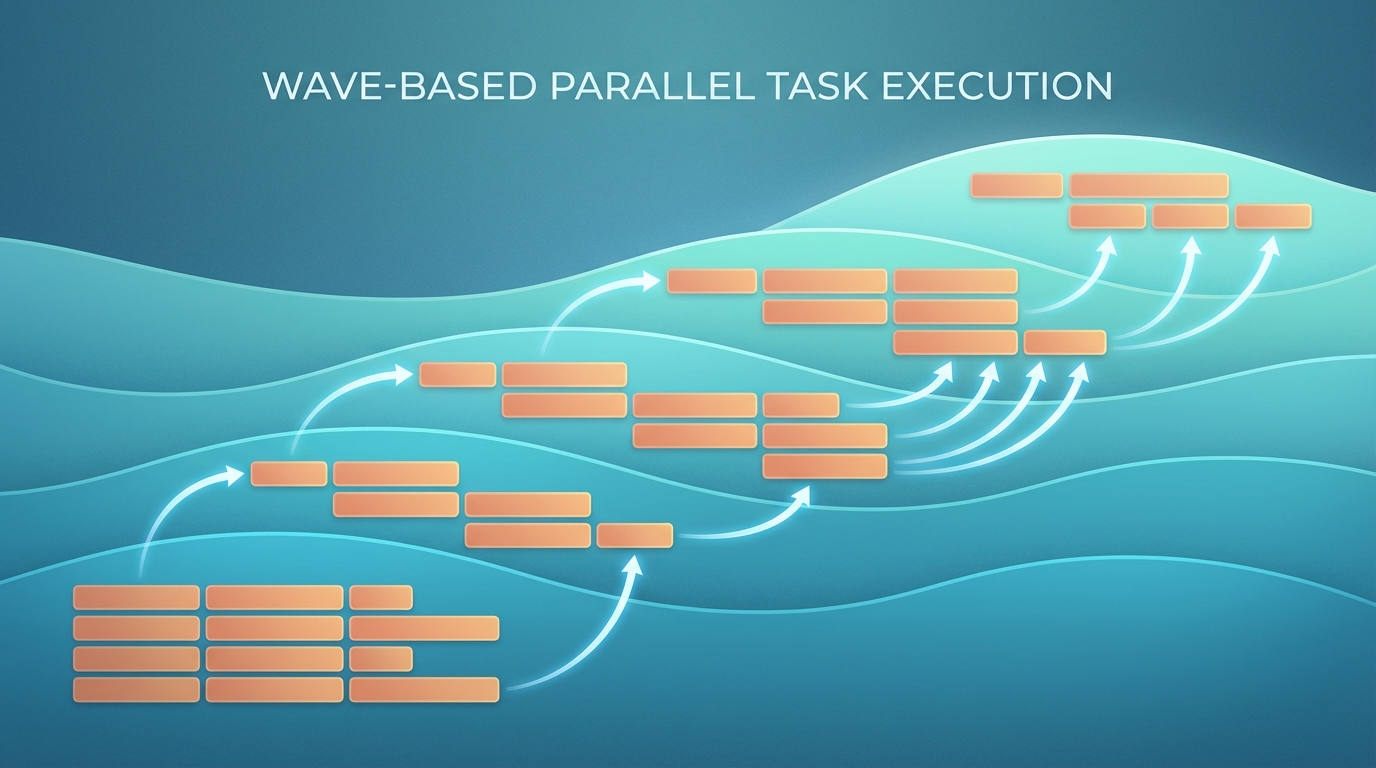
This is the promise of wave-based task orchestration. Group tasks by their dependencies, execute each wave in parallel, and watch your throughput soar.
Except it rarely works that cleanly.
The Wave Pattern
flowchart TB
    subgraph W1["Wave 1"]
        T1["Task 1: Foundation\n(Extend State & Config)"]
    end

    subgraph W2["Wave 2"]
        T2["Task 2: Event Hook"]
        T3["Task 3: PR Review"]
        T4["Task 4: Commit Limit"]
    end

    subgraph W3["Wave 3"]
        T5["Task 5: Issue Tool"]
        T6["Task 6: PR Tool"]
    end

    subgraph W4["Wave 4"]
        T7["Task 7: Documentation"]
    end

    T1 --> T2
    T1 --> T3
    T1 --> T4
    T2 --> T5
    T2 --> T6
    T3 --> T6
    T4 --> T6
    T5 --> T7
    T6 --> T7

    style W1 fill:#22c55e,color:#000
    style W2 fill:#3b82f6,color:#fff
    style W3 fill:#f59e0b,color:#000
    style W4 fill:#ef4444,color:#fff
During a git workflow plugin enhancement, the plan agent organized 7 tasks into 4 parallel waves:
Wave 1 (Start Immediately):
- Task 1: Extend State & Config (foundation)
Wave 2 (After Wave 1):
- Task 2: Add event hook [depends: 1]
- Task 3: Add PR review checking [depends: 1]
- Task 4: Add commit limit enforcement [depends: 1]
Wave 3 (After Wave 2):
- Task 5: Enhance issue tool [depends: 2]
- Task 6: Add PR tool [depends: 2, 3, 4]
Wave 4 (After Wave 3):
- Task 7: Update documentation [depends: 5, 6]
The critical path runs through Task 1 -> Task 2 -> Task 6 -> Task 7. Everything else can theoretically run in parallel with this path.
Theoretical speedup: ~35% faster than sequential execution.
Reality Hits
Here’s what actually happened when executing this plan:
Wave 2’s tasks (2, 3, 4) all modified the same file: git-workflow-enforcer.ts. They couldn’t run in parallel without merge conflicts. The “parallel” wave became sequential.
This is the key insight: Theoretical parallelism does not equal practical parallelism.
The Three Types of Conflicts
Even when tasks are logically independent (different features), they may have hidden dependencies:
1. File Conflicts
Multiple tasks editing the same file cannot safely run in parallel. Git merge conflicts are the obvious symptom, but subtler issues include:
- Overlapping code sections
- Import statement conflicts
- Shared utility functions being modified
Detection: Before executing, scan task specifications for overlapping file paths.
2. State Conflicts
Tasks that share runtime state must coordinate:
- Database operations on the same tables
- Cache invalidation sequences
- Shared configuration state
Detection: Map data dependencies, not just code dependencies.
3. Test Conflicts
Overlapping test coverage can cause false failures:
- Integration tests touching the same endpoints
- Tests that modify shared fixtures
- Port/resource conflicts in parallel test runs
Detection: Analyze test file dependencies and resource requirements.
Practical Wave Planning
Given these constraints, here’s how to plan waves effectively:
Step 1: Map All Dependencies
Don’t just map task dependencies. Map:
- File paths each task will modify
- Database tables/collections each task touches
- Shared state (caches, configs, globals)
- Test files that will run
Step 2: Build the Conflict Graph
flowchart LR
    subgraph LOGICAL["Logical Dependencies"]
        T2L["Task 2"] --> T1L["Task 1"]
        T3L["Task 3"] --> T1L
        T4L["Task 4"] --> T1L
    end

    subgraph PRACTICAL["Practical Dependencies"]
        T2P["Task 2"]
        T3P["Task 3"]
        T4P["Task 4"]
        T2P <-.->|"Same File"| T3P
        T3P <-.->|"Same File"| T4P
    end

    LOGICAL -.->|"Reality Check"| PRACTICAL
The logical view shows Tasks 2, 3, 4 as parallel. The practical view reveals they share a file and must serialize.
Step 3: Optimize Within Constraints
Sometimes you can restructure to restore parallelism:
- Split large files into smaller modules
- Extract shared code into a separate, pre-completed task
- Reorder operations to minimize conflicts
Step 4: Communicate the Actual Plan
When presenting the execution plan, distinguish between:
- Theoretical waves: What could run in parallel
- Practical waves: What will actually run in parallel
- Serialization points: Where and why parallelism breaks down
Measuring Real Speedup
For the git workflow enhancement:
| Approach | Time Units | Notes |
|---|---|---|
| Pure Sequential | 7 | Baseline |
| Theoretical Parallel | 4 | 43% faster (on paper) |
| Practical Parallel | 5 | 29% faster (reality) |
The practical speedup is still meaningful - nearly a third faster. But it’s not the dramatic improvement the theory suggested.
When Waves Work Best
Wave-based orchestration shines when:
- Tasks modify different files - Frontend and backend work, for example
- Dependencies are clearly layered - Schema changes before business logic before UI
- Test suites are isolated - Unit tests for different modules
- Teams are separate - Different people, different codebases
It struggles when:
- Monolithic architecture - Everything touches everything
- Shared utility files - Constants, helpers, types that everyone imports
- Integration-heavy testing - Tests that exercise the whole system
- Tight coupling - Changes ripple across boundaries
Implementation Tips
For AI Agent Orchestration
When delegating to multiple AI agents in parallel:
# Bad: Assume logical independence
parallel_execute([task_2, task_3, task_4])

# Good: Check for file conflicts first
files_per_task = analyze_file_touches(tasks)
conflict_groups = find_conflicts(files_per_task)
execution_plan = serialize_conflicts(conflict_groups)
For Human Teams
When planning sprints with multiple developers:
- Assign file ownership explicitly
- Use feature flags to isolate work-in-progress
- Prefer vertical slices (one dev owns full feature) over horizontal (multiple devs touch same layer)
For CI/CD Pipelines
When parallelizing test and build steps:
- Profile actual resource conflicts, not just logical dependencies
- Use containerization to isolate state
- Implement retry logic for flaky parallel tests
Key Takeaways
- Map practical dependencies, not just logical ones - File conflicts, state conflicts, and test conflicts all matter
- Expect 60-70% of theoretical speedup - Hidden serialization points are everywhere
- Restructure to restore parallelism - Sometimes splitting files or adding abstraction layers pays off
- Document the gap - When theoretical and practical differ, explain why
- Measure and iterate - Profile actual execution to find hidden bottlenecks
The wave pattern remains valuable even with these constraints. A 29% speedup is still significant. But going in with realistic expectations prevents the frustration of promised parallelism that never materializes.
This pattern emerged from orchestrating AI agents for complex code modifications. The same principles apply to human team coordination, CI/CD optimization, and any domain where parallel execution meets shared resources.