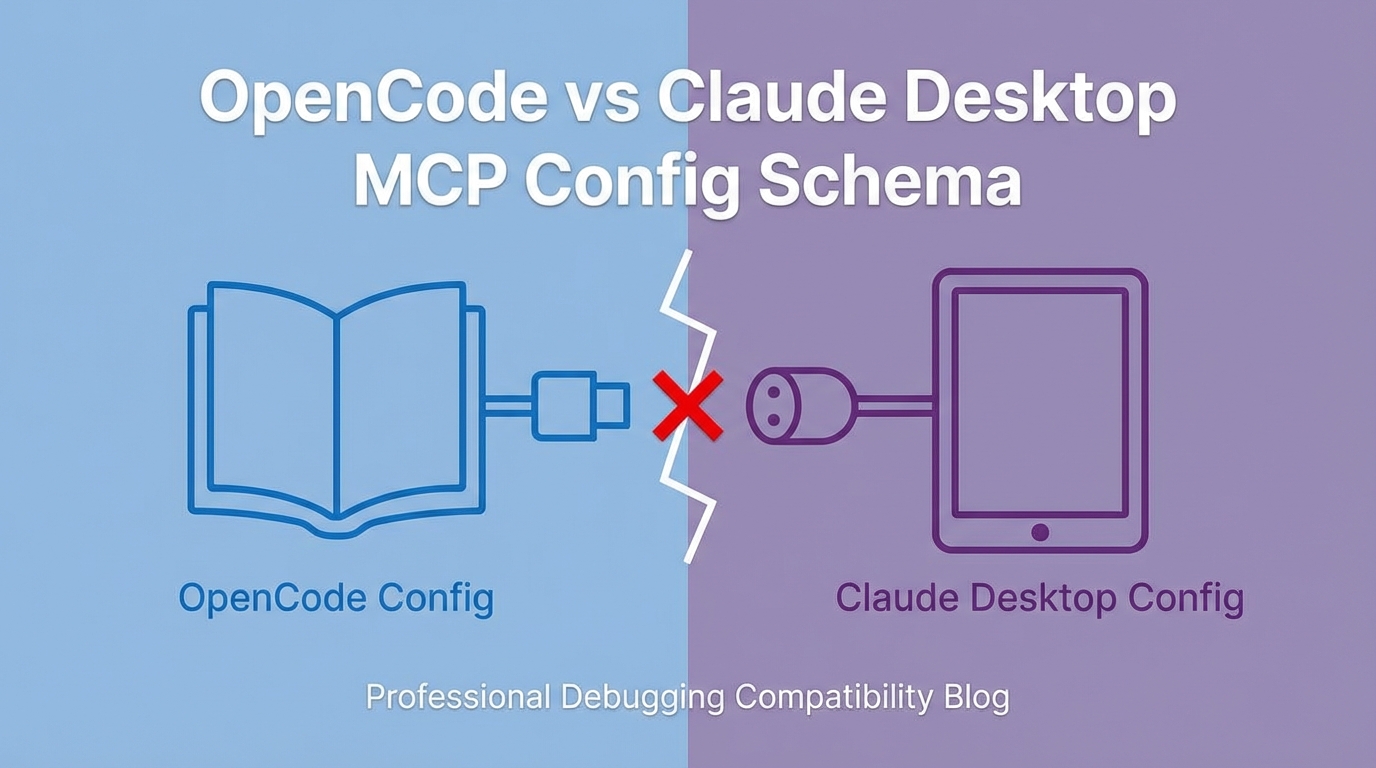
The Problem
OpenCode config validation failed with a cryptic error:
Invalid input mcp.mcp-image
The MCP server configuration looked correct. It worked in Claude Desktop. Why not here?
flowchart LR
    A[MCP Config] --> B{Which Host?}
    B -->|Claude Desktop| C[Works]
    B -->|OpenCode| D[Invalid input]

    C --> E[stdio schema]
    D --> F[local schema]

    E -.->|"Different!"| F
The Broken Config
This is what Claude Desktop expects:
{
  "mcp-image": {
    "type": "stdio",
    "command": "npx",
    "args": ["-y", "mcp-image"],
    "env": {
      "GEMINI_API_KEY": "...",
      "IMAGE_OUTPUT_DIR": "..."
    }
  }
}
Copy-pasting this to OpenCode’s config triggers validation errors.
The Investigation
- First attempt: Added
"type": "stdio"explicitly - still failed - Second attempt: Checked if
argswas the issue - still failed - Actual solution: Fetched OpenCode’s official documentation
The docs revealed an entirely different schema.
The Working Config
OpenCode requires:
{
  "mcp-image": {
    "type": "local",
    "command": ["npx", "-y", "mcp-image"],
    "environment": {
      "GEMINI_API_KEY": "...",
      "IMAGE_OUTPUT_DIR": "..."
    }
  }
}
The Schema Differences
flowchart TD
    subgraph "Claude Desktop Schema"
        A1["type: 'stdio'"]
        A2["command: 'npx'"]
        A3["args: ['-y', 'mcp-image']"]
        A4["env: {...}"]
    end

    subgraph "OpenCode Schema"
        B1["type: 'local'"]
        B2["command: ['npx', '-y', 'mcp-image']"]
        B3["(no args field)"]
        B4["environment: {...}"]
    end

    A1 -.->|"Different value"| B1
    A2 & A3 -.->|"Merged into array"| B2
    A4 -.->|"Different key"| B4
| Field | Claude Desktop | OpenCode |
|---|---|---|
| Type | "stdio" | "local" |
| Command | Separate command + args | Single command array |
| Env vars | env | environment |
Why This Happens
MCP (Model Context Protocol) defines the wire protocol - how servers and clients communicate. It does not define:
- How configs are structured
- How servers are launched
- What the host calls various fields
Each MCP host (Claude Desktop, OpenCode, Cursor, etc.) implements its own config schema. They’re all “MCP compatible” but not “config compatible.”
flowchart TD
    A[MCP Protocol Spec] --> B[Wire format]
    A --> C[Tool schemas]
    A --> D[Message types]

    E[Host Implementation] --> F[Config format]
    E --> G[Server lifecycle]
    E --> H[Field naming]

    B & C & D --> I[Standardized]
    F & G & H --> J[Vendor-specific]
Prevention
1. Never Assume Schema Compatibility
When setting up MCP in a new host:
# Wrong approach
cp ~/.claude/claude_desktop_config.json ~/.config/opencode/config.json

# Right approach
# 1. Read the host's documentation
# 2. Find their example config
# 3. Adapt your servers to their schema
2. Create a Reference Table
For your MCP servers, maintain a translation table:
# mcp-servers-reference.yaml
mcp-image:
  claude-desktop:
    type: stdio
    command: npx
    args: ["-y", "mcp-image"]
    env: {GEMINI_API_KEY: "...", IMAGE_OUTPUT_DIR: "..."}

  opencode:
    type: local
    command: ["npx", "-y", "mcp-image"]
    environment: {GEMINI_API_KEY: "...", IMAGE_OUTPUT_DIR: "..."}
3. Check Docs First
When config validation fails, the error message rarely explains the schema mismatch. Go straight to docs:
- OpenCode:
opencode.ai/docs/mcp-servers - Claude Desktop: Check their config example in docs
- Cursor: Their MCP setup page
Key Takeaways
- MCP ≠ config compatibility - Protocol compatibility doesn’t mean config compatibility
- Check vendor docs - Each host has its own schema; don’t guess
- “stdio” vs “local” - Same concept, different terminology
envvsenvironment- Subtle naming differences break validation- Merged fields - Some hosts combine
command+args, others separate them
The lesson: when something works in one tool and fails in another, the protocol isn’t the problem - the config schema is.