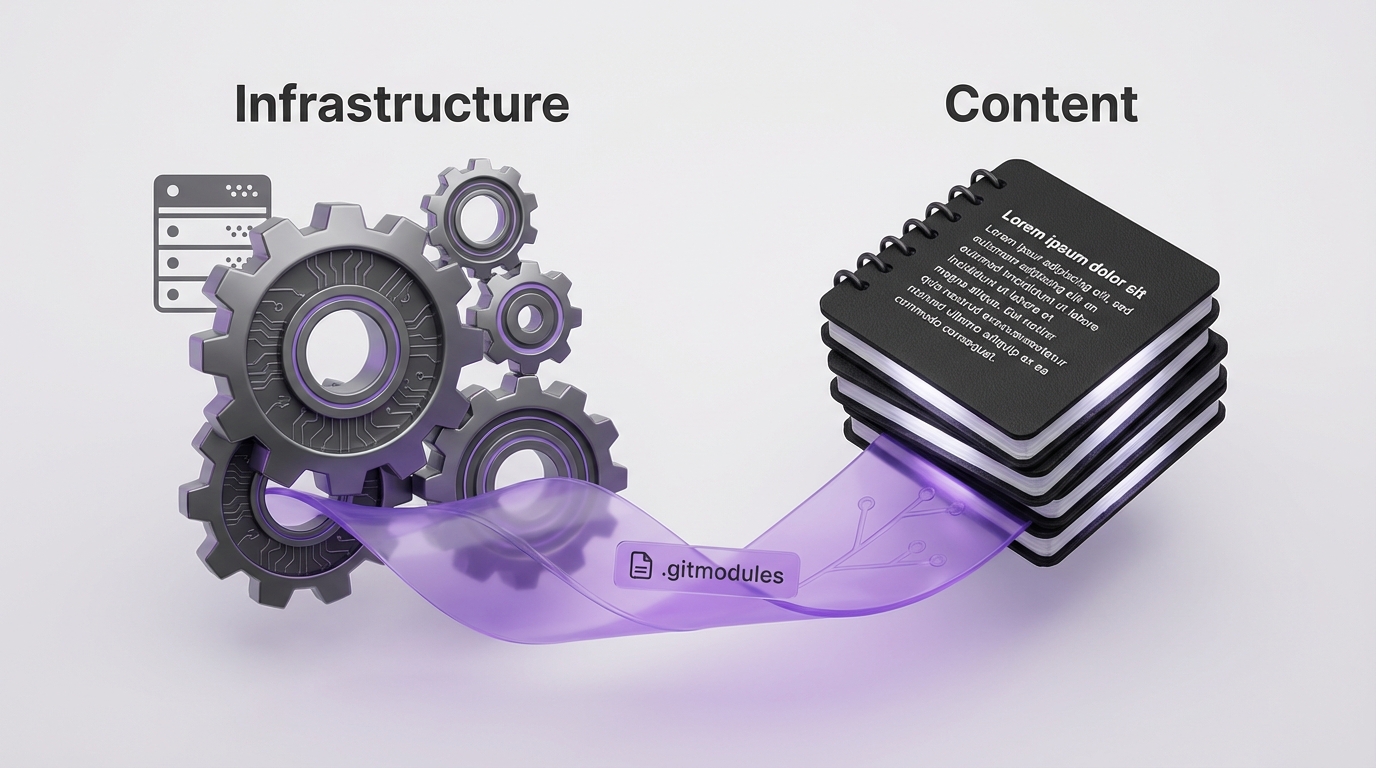
모노레포 문제
원래 설정: 모든 것이 하나의 저장소에.
personal-blog/
├── hugo.toml
├── themes/PaperMod/
├── layouts/
├── static/
└── content/
    ├── posts/
    ├── seeds/
    └── drafts/
문제가 나타났다:
- Obsidian이 필요 없는 Hugo 설정 파일을 동기화
- 콘텐츠 변경에 인프라 저장소 푸시 필요
- Git 히스토리가 테마 업데이트와 블로그 포스트를 혼합
- 다른 관심사, 같은 커밋 로그
두 개의 저장소 아키텍처
flowchart TB
    subgraph HOSTING["personal-blog-hosting/"]
        H1["hugo.toml"]
        H2["themes/PaperMod"]
        H3["layouts/"]
        H4["static/"]
        H5["content/ → submodule"]
    end

    subgraph CONTENT["blog-content/"]
        C1["posts/"]
        C2["seeds/"]
        C3["drafts/"]
        C4["skills/"]
    end

    H5 -->|"git submodule"| CONTENT

    CONTENT -->|"Obsidian vault"| OBS["Obsidian"]
    HOSTING -->|"Cloudflare Pages"| CF["Cloudflare"]

    style CONTENT fill:#22c55e,color:#000
    style HOSTING fill:#3b82f6,color:#fff
두 개의 저장소:
- personal-blog-hosting: Hugo 인프라, 테마, 레이아웃
- blog-content: 포스트, 시드, 드래프트 - Obsidian 볼트이기도 함
콘텐츠 저장소가 git 서브모듈로 연결된다.
이 분리가 중요한 이유
Obsidian 사용자를 위해
Obsidian 볼트가 콘텐츠 저장소다:
- Obsidian에서 작성 → 자동 동기화
- Hugo 설정이 볼트를 오염시키지 않음
- 깔끔한 파일 목록, 콘텐츠만
배포를 위해
Cloudflare Pages가 호스팅 저장소에서 빌드:
- 서브모듈을 자동으로 가져옴
- 콘텐츠 업데이트가 리빌드 트리거
- 인프라 변경은 별도
Git 히스토리를 위해
# 콘텐츠 저장소 히스토리
feat: AI 에이전트에 대한 포스트 추가
fix: 쿠버네티스 포스트 오타
feat: 디버깅 세션에서 새 시드

# 호스팅 저장소 히스토리
chore: PaperMod 테마 업데이트
feat: 다이어그램용 커스텀 숏코드 추가
fix: 모바일 내비 브레이크포인트
각 관심사에 대해 깔끔하고 집중된 히스토리.
설정 가이드
1단계: 콘텐츠 저장소 생성
# 콘텐츠용 새 저장소 생성
mkdir blog-content
cd blog-content
git init

# 모노레포에서 콘텐츠 이동
mv ../personal-blog/content/posts .
mv ../personal-blog/content/seeds .
mv ../personal-blog/content/drafts .

git add .
git commit -m "initial: migrate content from monorepo"
git remote add origin git@github.com:user/blog-content.git
git push -u origin main
2단계: 서브모듈로 추가
# 호스팅 저장소에서
cd personal-blog-hosting
rm -rf content  # 기존 콘텐츠 디렉토리 제거

# 콘텐츠 저장소를 서브모듈로 추가
git submodule add git@github.com:user/blog-content.git content
git commit -m "feat: add content as submodule"
3단계: Obsidian 설정
blog-content/를 Obsidian 볼트로 열기:
- 포스트가 직접 편집 가능
- Hugo 설정 안 보임
- 표준 Obsidian 워크플로우
4단계: Cloudflare Pages 설정
Cloudflare Pages 설정에서:
- 저장소:
personal-blog-hosting - 빌드 명령:
hugo --gc --minify - 빌드 설정에서 “Include submodules” 활성화
일상 워크플로우
콘텐츠 작성
# Obsidian에서 (또는 직접)
cd blog-content
# 포스트 작성...
git add posts/new-post.md
git commit -m "feat: add new post"
git push
인프라 업데이트
cd personal-blog-hosting
# 테마/레이아웃 변경...
git add .
git commit -m "feat: update theme"
git push
서브모듈 참조 업데이트
콘텐츠 저장소에 새 커밋이 있을 때:
cd personal-blog-hosting
git submodule update --remote content
git add content
git commit -m "chore: update content submodule"
git push
주의점
Cloudflare 서브모듈 빌드
빌드 설정에서 “Include submodules” 활성화 확인. 없으면 콘텐츠 디렉토리가 비어 있다.
로컬 개발
호스팅 저장소 클론 후:
git clone --recurse-submodules git@github.com:user/personal-blog-hosting.git
# 또는 이미 클론했으면:
git submodule update --init --recursive
Obsidian Git 플러그인
Obsidian Git 플러그인 사용 시 콘텐츠 저장소만 가리킨다. Obsidian에서 호스팅 저장소 관리 시도하지 않는다.
대안: 심볼릭 링크
서브모듈이 너무 복잡하면 심볼릭 링크 사용:
# 호스팅 저장소에서
ln -s ../blog-content content
단점: Cloudflare가 심볼릭 링크를 따라갈 수 없다. 콘텐츠를 복사하는 빌드 스크립트가 필요하다.
핵심 정리
- 관심사 분리, 저장소 분리 - 인프라와 콘텐츠는 다른 변경 패턴을 가짐
- Obsidian 볼트 = 콘텐츠 저장소 - 깔끔한 작성 환경
- 서브모듈이 연결 - 호스팅 저장소가 콘텐츠 저장소 참조
- 호스팅에서 배포 - Cloudflare가 빌드 중 둘 다 가져옴
- 깔끔한 git 히스토리 - 각 저장소가 자신의 이야기를 말함
초기 설정에 한 시간이 걸린다. 지속적인 명확함은 그만한 가치가 있다. 특히 Obsidian을 작성 환경으로 사용한다면.
이 아키텍처는 Obsidian 파일 목록에서 hugo.toml을 보는 좌절에서 나타났다. 분리가 작성과 개발 워크플로우 둘 다 깔끔하게 만들었다.